 QuickQ
Desktop
Native Windows and macOS clients with autostart and per-app acceleration.
Beyond laptops and phones — bring QuickQ to every screen in the house with a single account.
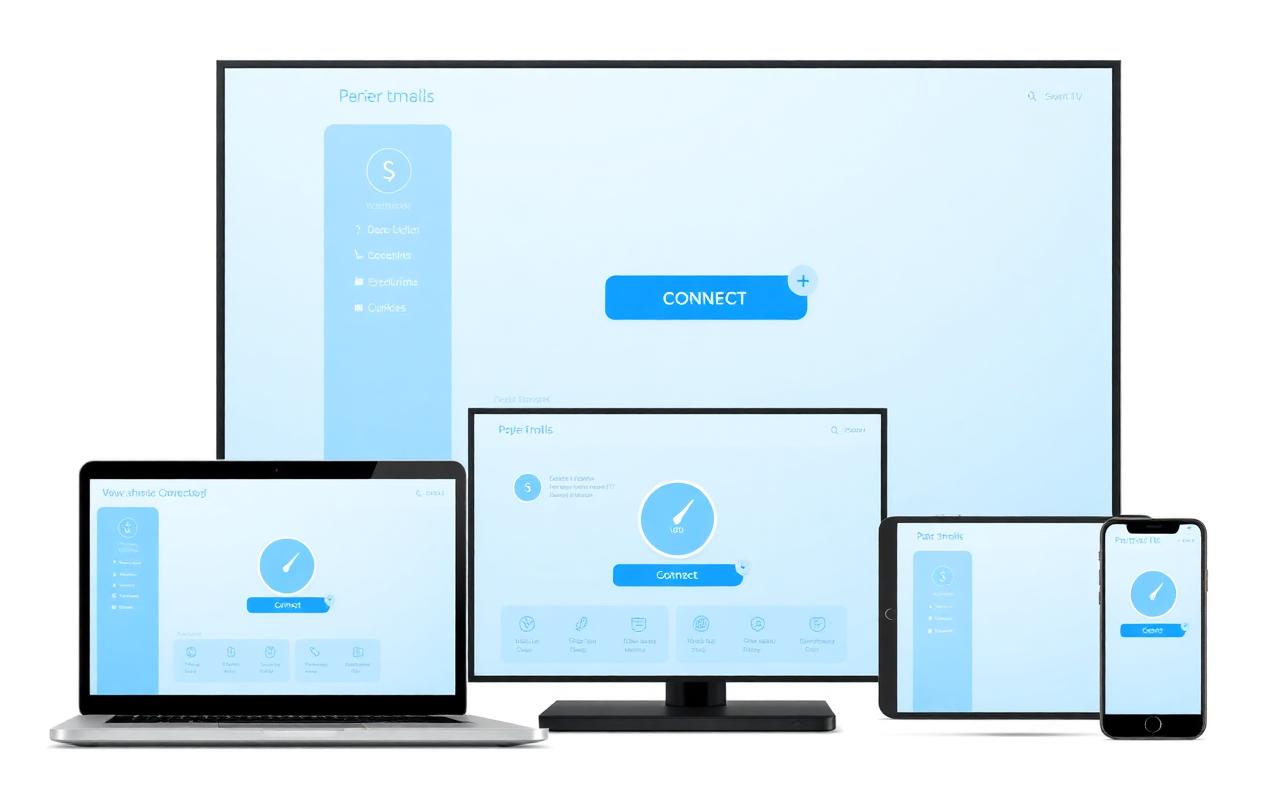
Native Windows and macOS clients with autostart and per-app acceleration.
iOS and Android clients that hold the connection when switching between Wi-Fi and cellular.
Large-screen layouts for iPad and Android tablets, for streaming and work alike.
Install on Android TV, or accelerate the whole TV through your router.
Where apps can't be installed, route the console through your router or a shared desktop connection.
Configure once on OpenWrt-style firmware and every device at home is covered.
Your router needs custom client or script support — OpenWrt-based firmware is recommended.
Generate a router profile in the account center and paste it into the router admin panel.
Split local and international traffic so nearby services stay direct.
Run a speed test after connecting, then add the rest of your devices.
| Scenario | Recommendation |
|---|---|
| Shared household | Configure the router once instead of signing in on every device |
| Frequent travel | Reserve one slot each for phone and laptop, keep the rest free |
| Slot limit reached | Remove unused devices in the account center, then sign in again |
| Public networks | Enable auto-connect so unknown Wi-Fi is encrypted automatically |
Available on Windows, macOS, iOS and Android — one account across all your devices.